Got your new credit card? Here’s how to get it up and running
So, your brand-new credit card has finally arrived. It’s shiny, it’s exciting, and you’re probably eager to start using it. But wait – you can’t just start swiping it right away. First, you need to activate it.
Credit card activation is a simple security measure that ensures the card has reached the right person – you! Until you activate it, your card is essentially just a piece of plastic.
The good news? Activating your credit card is usually quick and easy. The not-so-good news? The process isn’t the same for everyone. Different banks have different methods, and what works for one card might not work for another.
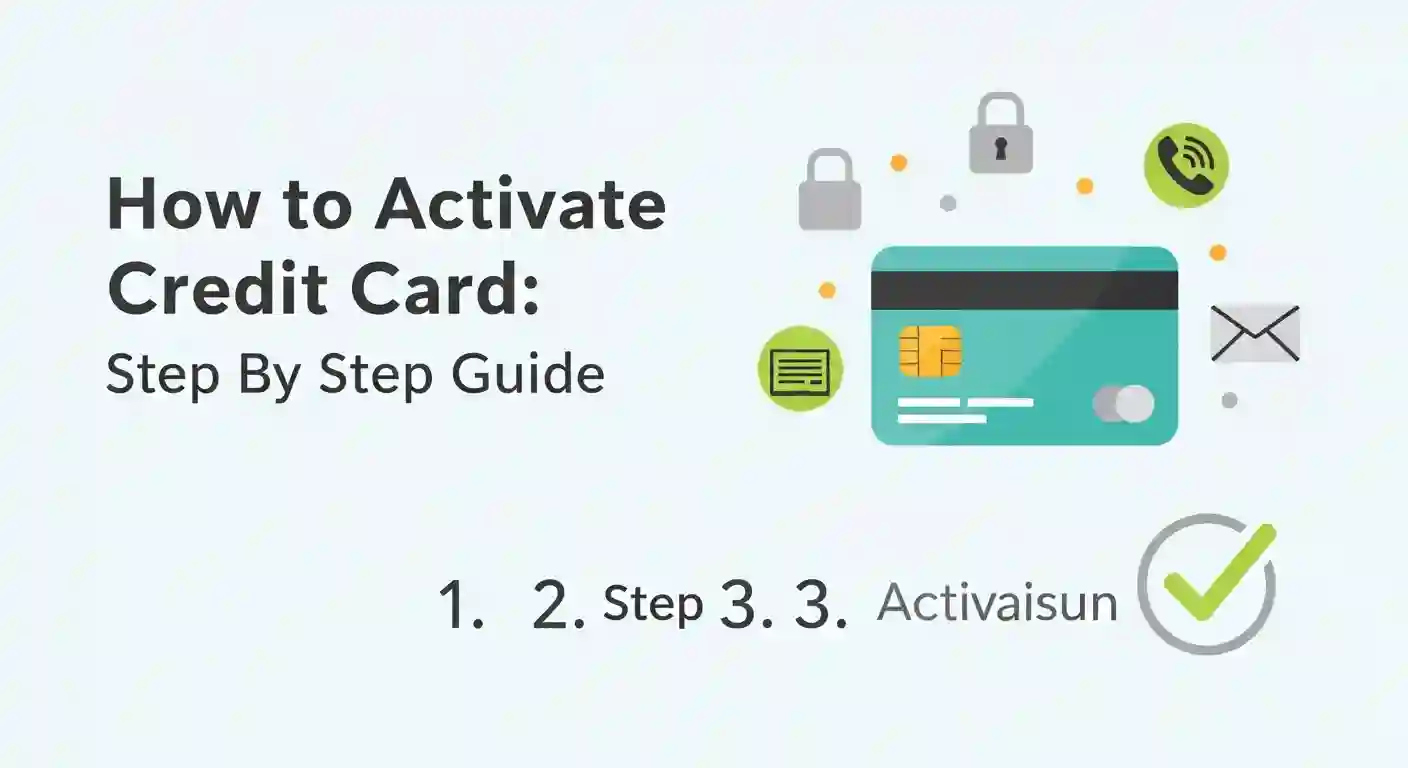
In this guide, we’ll walk you through all the ways you can activate your credit card – both online and offline. Whether you’re tech-savvy or prefer doing things the traditional way, we’ve got you covered.
Let’s get your card ready to use!
Important: Every Bank Is Different
Before we dive into the steps, there’s something crucial you need to know.
The activation process varies from bank to bank.
Some banks want you to activate your card online through their website. Others prefer you to use their mobile app. Some might ask you to visit an ATM and swipe the card. And a few still use the good old SMS method.
So, what should you do?
Always check the instructions that came with your credit card first. There’s usually a letter or pamphlet included in the package that tells you exactly how to activate your specific card. Follow those instructions for the smoothest experience.
That said, most activation methods fall into a few common categories. Let’s explore each one in detail.
How to Activate Your Credit Card Online
Online activation is the most popular and convenient method these days. You can do it from the comfort of your home, and it usually takes just a few minutes.
There are two main ways to activate your credit card online:
- Through Internet Banking (Net Banking)
- Through the Bank’s Mobile App
Let’s look at both.
Method 1: Activate Credit Card via Internet Banking
If you already use your bank’s net banking service, this method will feel familiar. Here’s how it works:
Step 1: Visit Your Bank’s Official Website
Open your web browser and go to your bank’s official website. Make sure you’re on the genuine site – look for “https” in the URL and the padlock icon. This keeps your information safe.
Step 2: Log In to Your Account
Enter your net banking user ID and password. If you don’t have net banking access yet, you may need to register first (which is usually a quick process).
Step 3: Find the Credit Card Activation Option
Once you’re logged in, look for an option that says “Credit Card Activation” or something similar. This might be under:
- Credit Cards section
- Services menu
- Cards menu
- New card activation
The exact location depends on your bank’s website layout.
Step 4: Enter Your Credit Card Details
You’ll be asked to provide some information to verify that you’re the rightful owner of the card. This typically includes:
- Your credit card number (the 16-digit number on the front of your card)
- Your date of birth
- The card’s expiry date
- In some cases, your existing ATM PIN or you may need to set a new PIN
Keep your card handy while doing this.
Step 5: Verify with OTP
For security purposes, the bank will send a One-Time Password (OTP) to your registered mobile number. Enter this OTP on the screen to confirm your identity.
Step 6: Activation Complete!
Once the OTP is verified, your credit card will be activated. You might see a confirmation message on the screen, and some banks also send an SMS or email confirmation.
That’s it! Your card is now ready to use.
Method 2: Activate Credit Card via Mobile App
Prefer doing things on your phone? Most banks have mobile apps that make credit card activation super easy. Here’s the process:
Step 1: Download the Bank’s Official App
Go to the Google Play Store (for Android) or Apple App Store (for iPhone) and download your bank’s official mobile banking app. Be careful to download the genuine app – check the developer name and reviews.
Step 2: Log In or Register
Open the app and log in with your credentials. If you’re a new user, you’ll need to register first by following the app’s registration process.
Step 3: Navigate to Card Activation
Look for an option like:
- “Register”
- “Activate a Card”
- “New Card Activation”
- “Credit Card Services”
Select this option, and then choose “Credit Card” if prompted.
Step 4: Enter Your Credit Card Details
Fill in the required information about your new credit card. This usually includes the card number, expiry date, and CVV (the 3-digit number on the back of your card).
Step 5: Verify with OTP
Just like with net banking, you’ll receive an OTP on your registered mobile number. Enter it in the app to verify your identity.
Step 6: Create Your Login Credentials (If Required)
Some banks may ask you to create a new user ID and password specifically for managing your credit card through the app. Choose something secure but memorable.
Step 7: Activation Successful!
Your credit card should now be activated. You’ll typically receive a confirmation notification or message.
How to Activate Your Credit Card Offline
Not comfortable with online banking? That’s perfectly okay. Many people prefer traditional methods, and banks understand this. There are a couple of offline ways to activate your credit card.
Method 1: Activate Through Customer Care Service
This is probably the easiest method if you’re not tech-savvy. You have two options here:
Option A: Visit Your Nearest Bank Branch
- Go to your bank’s nearest branch
- Bring your credit card and a valid ID proof (like your Aadhaar card, PAN card, or passport)
- Speak to a customer service executive
- They will guide you through the activation process and help you set up your PIN
This method is great because you get personal assistance. If you have any questions about your new card, you can ask them right there.
Option B: Call Customer Care
Don’t want to leave your house? Simply call your bank’s customer care number.
- Find the customer care number on your bank’s official website or on the back of your credit card
- Call the number and follow the voice prompts
- You’ll be connected to a representative who will guide you through activation
- Be ready to answer security questions to verify your identity
Pro tip: Call during regular business hours for shorter wait times. Also, keep your credit card and registered mobile phone nearby – you’ll need them.
Method 2: Activate Your Credit Card via SMS
Some banks offer SMS-based activation. It’s quick and doesn’t require internet access. However, this option isn’t available with all banks, so check with yours first.
Here’s how it generally works:
Step 1: Find the SMS Format
Check the instructions that came with your card or visit your bank’s website to find the exact SMS format for activation. It’s usually something like:
- “ACT [last 4 digits of card number]”
- “ACTIVATE [card number]”
- Or it might involve your ATM PIN or a code like “MBANK”
Step 2: Send the SMS
Send the SMS to the designated number provided by your bank. Make sure you send it from your registered mobile number only.
Step 3: Wait for Response
You’ll receive an SMS response from the bank confirming your activation or guiding you through additional steps if needed.
Important: The exact format and number vary by bank. Using the wrong format might not work, so double-check before sending.
Can You Activate a Credit Card at an ATM?
Yes, some banks allow you to activate your credit card by using it at an ATM. Here’s how this typically works:
- Visit any ATM of your bank
- Insert your new credit card
- You’ll usually be prompted to set a PIN
- Complete the PIN setup process
- Your card gets activated
This method combines activation with PIN creation, making it convenient for many users. Check with your bank to see if they support this method.
What Information Do You Need for Activation?
Regardless of which method you choose, you’ll typically need:
- Your credit card (obviously!)
- The 16-digit card number printed on the front
- Card expiry date (month and year)
- CVV number (3-digit code on the back)
- Your date of birth or other personal details for verification
- Registered mobile number to receive OTP
- Your ATM PIN (in some cases)
Keep all these handy before starting the activation process. It makes things much smoother.
Quick Tips for a Smooth Activation
Here are some helpful tips to ensure your activation goes without a hitch:
✅ Activate Promptly
Don’t let your new card sit in a drawer for weeks. Activate it soon after receiving it. This reduces the risk of someone else getting hold of an unactivated card.
✅ Use Secure Connections
If you’re activating online, use a secure Wi-Fi connection. Avoid public Wi-Fi networks at cafes or airports.
✅ Keep Your Phone Nearby
You’ll need it for OTP verification in most cases.
✅ Double-Check Details
Enter your card details carefully. A single wrong digit can cause issues.
✅ Note Down Customer Care Numbers
Keep your bank’s helpline number saved in your phone. If anything goes wrong during activation, you can quickly get help.
✅ Set a Strong PIN
When setting your PIN, avoid obvious choices like your birth year, 1234, or 0000. Choose something memorable but not easily guessable.
What to Do After Activation
Congratulations! Your credit card is now active. Here are a few things you should do next:
- Make a small test transaction to ensure everything is working properly
- Register for SMS and email alerts so you’re notified of every transaction
- Download your bank’s app (if you haven’t already) for easy management
- Understand your billing cycle and due date to avoid late payment fees
- Check your credit limit and plan your spending accordingly
- Save the customer care number in your phone for emergencies
Wrapping Up
Activating your credit card is a simple but essential step before you can start enjoying its benefits. Whether you want to shop online, pay for travel, fill up fuel, or even watch movies – your credit card is a one-stop solution for all these needs and more.
The key is to follow your bank’s specific instructions and choose the activation method that’s most convenient for you. Whether that’s through net banking, a mobile app, SMS, customer care, or an ATM – all these methods are designed to be user-friendly.
We hope this step-by-step guide helped you understand how to activate your credit card easily. If you run into any issues, don’t hesitate to reach out to your bank’s customer support. They’re there to help!
Now go ahead, activate that card, and enjoy the financial flexibility that comes with it. Happy swiping!
Learn More:
- How to Apply for Flipkart Axis Bank Credit Card Online/Offline
- How to Apply for the Dhani Super Save Credit Card: Complete Guide
- How to Apply for Bajaj Finserv EMI Card Online/Offline
- Airtel Payment Bank Loan: How to Get a ₹5,000 Loan in Just Minutes
Disclaimer: This blog is solely for educational purposes. The information provided here is general in nature. Always follow the specific instructions provided by your bank for credit card activation.